
The best AI for PLC programming in 2026, compared honestly.
We build one of the tools in this comparison, so judge the claims, not the author: every row below is checkable against each product's own public documentation. The short version — most tools help one engineer write code faster. Only one reads your whole line.
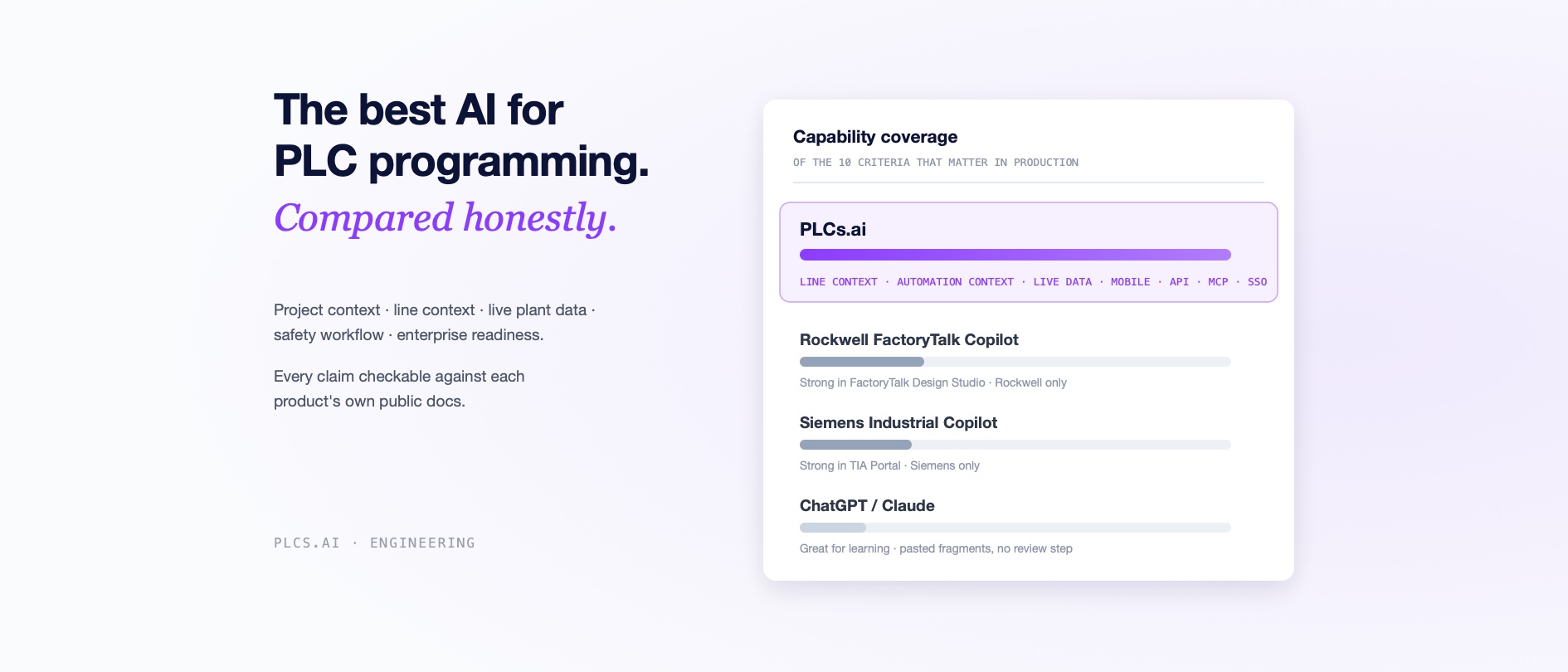
The short answer: for learning PLC concepts, a general chatbot is fine and free. For authoring new code inside a single-vendor environment, the vendor copilots are credible. For understanding and troubleshooting a real plant, mixed vendors, legacy code, live data from the running controllers, PLCs.ai is the strongest option in this comparison. The rest of this post shows the receipts, row by row.
First, the disclosure: we build PLCs.ai, one of the tools in this comparison. So judge the claims, not the author — every row in the table below is checkable against each product's own public documentation, and we have tried to represent every tool's genuine strengths. The field today has three kinds of AI: the general chatbots, the copilots the two big automation vendors built for their own ecosystems, and a platform built around the plant itself. Which one is "best" depends entirely on whether your plant looks like a vendor's demo — single-vendor, greenfield, well-documented — or like a real plant.
What actually separates these tools
Every product in this space can explain a rung of ladder logic. The differences that matter in production are structural:
- 01Project context. Does it read your entire project file — every routine, tag, UDT, and cross-reference — or a pasted fragment?
- 02Line context. Can it reason across all the PLCs on a production line as one system, including mixed Allen-Bradley and Siemens lines? A fault rarely respects controller boundaries.
- 03Automation context. Does it know your plant's history, standards, approved code patterns, and version history — or does every session start from zero?
- 04Live plant data. Are its answers grounded in live tag values from the running controller, or only in the static file?
- 05Safety workflow. Is generated code reviewed and simulated before anything is saved?
- 06Who can use it. Does it require an engineering seat and an IDE license, or can a maintenance tech on night shift ask it questions?
- 07Mobile access. Can an engineer standing at the machine photograph a fault screen or a panel, drop it into the chat, and ask — or does every question require a workstation?
- 08Enterprise readiness. REST API, MCP server for your own AI agents, SSO, embeddable views, SOC 2 — the checklist that decides whether IT lets it into the plant.
The comparison at a glance
| Capability | ChatGPT / Claude | Rockwell FTDS Copilot | Siemens Industrial Copilot | PLCs.ai |
|---|---|---|---|---|
| Reads a full project file | Pasted fragments | Yes — FactoryTalk Design Studio | Yes — TIA Portal | Yes — Studio 5000 and TIA Portal |
| Works across vendors | Anything pasted, no native formats | Rockwell only | Siemens only | Rockwell and Siemens, full production |
| Multi-PLC line context | No | Not advertised | No | Yes — 3D Line Context, mixed vendors |
| Live tag values from the running controller | No | Not advertised | No | Yes — streamed via Desktop Companion App |
| Your organization's knowledge base and standards | No persistent memory | Not advertised | Siemens documentation search | Yes — every query runs against yours |
| Review and simulate before code is saved | No | In-studio workflow | Inserts into the open project | Yes — prompt, simulate, approve, always |
| Works on your legacy installed base | Fragments only | FTDS projects | Openness-compatible projects | Any Studio 5000 L5X or TIA project, however old |
| Whole-team access without engineering seats | Per chatbot seat | Engineering workflow | Requires TIA workflow | Unlimited collaborators, browser-based |
| Mobile access on the plant floor | Chat apps, blind to your project | Not advertised | Not advertised | Yes — photograph the machine, ask in chat |
| Enterprise: API, MCP server, SSO, embeds, SOC 2 | API only | Rockwell/Azure stack | Siemens/Azure stack | All five |
"Not advertised" means exactly that: the capability does not appear in the product's public documentation as of this writing. If that changes, the row should too.
ChatGPT and Claude: brilliant, blind, and unaccountable
The frontier models genuinely understand PLC concepts, and for a quick sanity-check on a code fragment they are free and instant. But they cannot see your project structure, have no concept of your line, forget your standards between sessions, and hand back generated code with no review step. Fine for learning; not a tool for a plant.
The incumbents: excellent copilots for their own walled gardens
Rockwell and Siemens have both shipped serious AI, and both deserve credit. Rockwell's FactoryTalk Design Studio Copilot, built on Azure OpenAI, generates and explains code from natural language, helps with troubleshooting, and even manages device configuration inside FactoryTalk Design Studio. Siemens' Industrial Copilot is genuinely convenient inside TIA Portal: SCL generated straight into the open project, block explanations, natural-language manual search, enterprise deployment on a private Azure instance.
But both share the same structural fact: they are authoring assistants for their own ecosystem. Rockwell's copilot lives inside Rockwell's design environment and reads Rockwell projects; Siemens' lives inside TIA Portal and reads Siemens projects. Neither will ever read the other vendor's controllers — that is not a missing feature, it is the business model. If your plant is single-vendor, greenfield, and the bottleneck is writing new code at an engineering workstation, the matching copilot earns its place. Most plants are none of those things: they are mixed-vendor, decades-deep in legacy code, and their bottleneck is understanding what is already running — often at 2 a.m., by someone without an engineering seat.
PLCs.ai: built for the plant, not just the programmer
PLCs.ai ingests complete Studio 5000 and TIA Portal projects, reasons across every PLC on a production line (mixed vendors included) as a single surface, and confirms root causes against live tag values streamed from the running controller. It is the only tool in this comparison built around the production line rather than the code editor: not one program, the plant. Its answers are grounded in full automation context: the logic, its version history, the equipment around it, the line it belongs to, and your organization's own standards and approved patterns. Generated code always passes through simulate-and-review before it is saved.
Then there is access. PLCs.ai is the only tool here an engineer can use from the floor: photograph a fault screen, a nameplate, or a panel with a phone, drop it into the chat, and ask. Around that sit the browser platform, a versioned REST API, an MCP server so your own AI agents can query projects, SSO, and embeddable read-only views — with unlimited collaborators, because pricing is per controller, not per person. That combination is what lets a plant give the right level of access to every person of interest: controls engineers, of course, but also maintenance, operations, and plant managers. The vendor copilots assist the one person at the engineering workstation; PLCs.ai answers everyone the stopped line is costing money.
Most tools in this market help one engineer write code faster. Only one reads your whole line.
The bottom line
Choose a chatbot for learning. Choose the vendor copilots for authoring new code inside a single-vendor ecosystem — that is what they were built for, and they do it well. But be clear about the scale of the difference: those tools make one engineer faster inside one editor. PLCs.ai changes who in the plant can understand the whole production system — every line, every controller, both vendors, from any device. When the problem is the plant — mixed fleets, stopped lines, undocumented legacy code, knowledge locked in one person's head — that is not a close call. And that is not a niche; it is what running a factory actually looks like.
And the test we recommend regardless of vendor: bring the question your team asked during the last outage, run it through the tools on your shortlist, and see which answer would have shortened the night.
What automation context means, and why it decides the answer →Try it on your own project — start a free trial →More from the blog
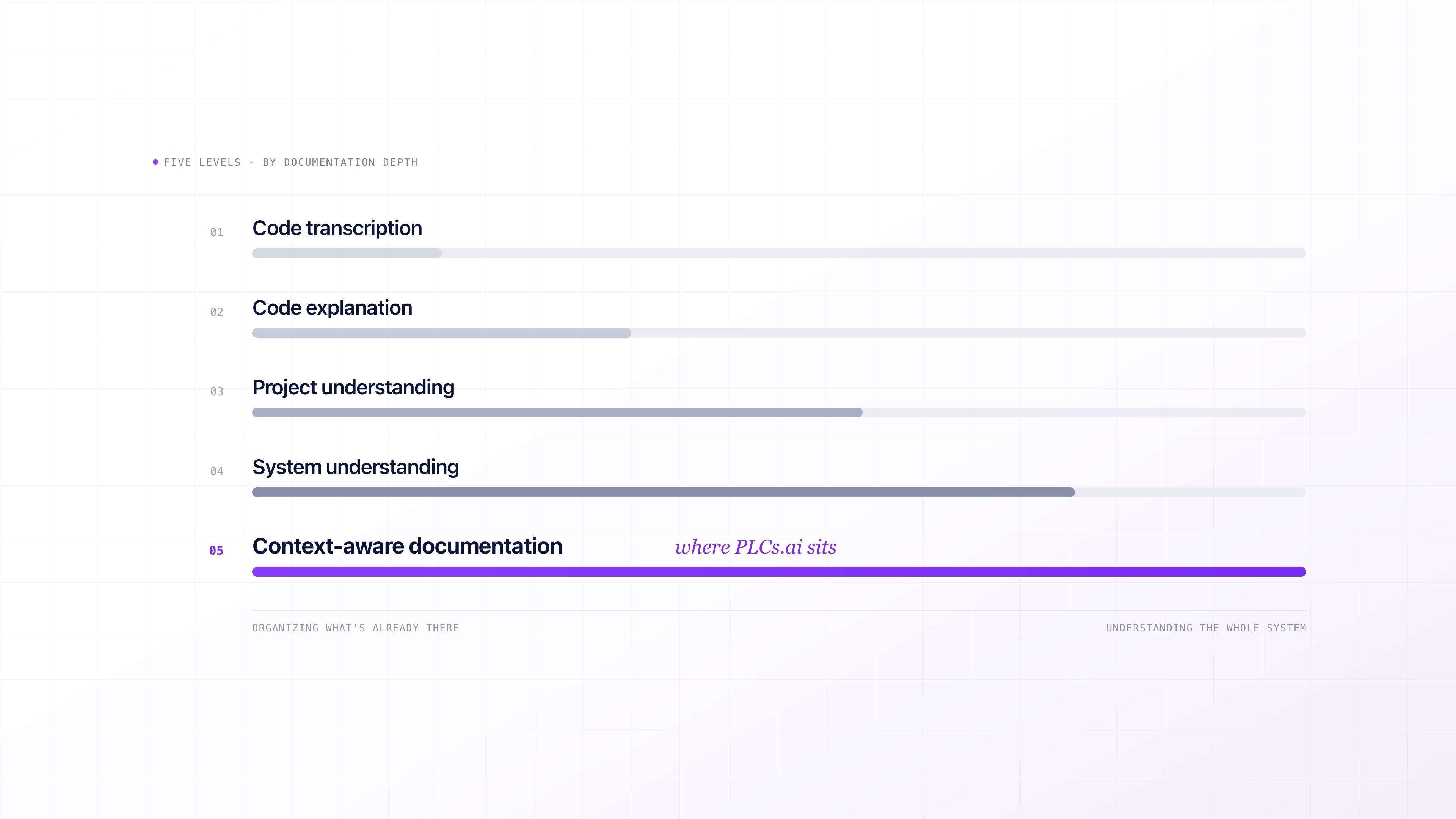
PLC documentation software: 9 tools compared (2026).
Automatic PLC documentation ranges from deterministic tools that reformat what is already in the project, to AI that infers meaning from undocumented code, to platforms that generate documentation from a broader understanding of the automation system. Nine real tools, compared on what they actually do.
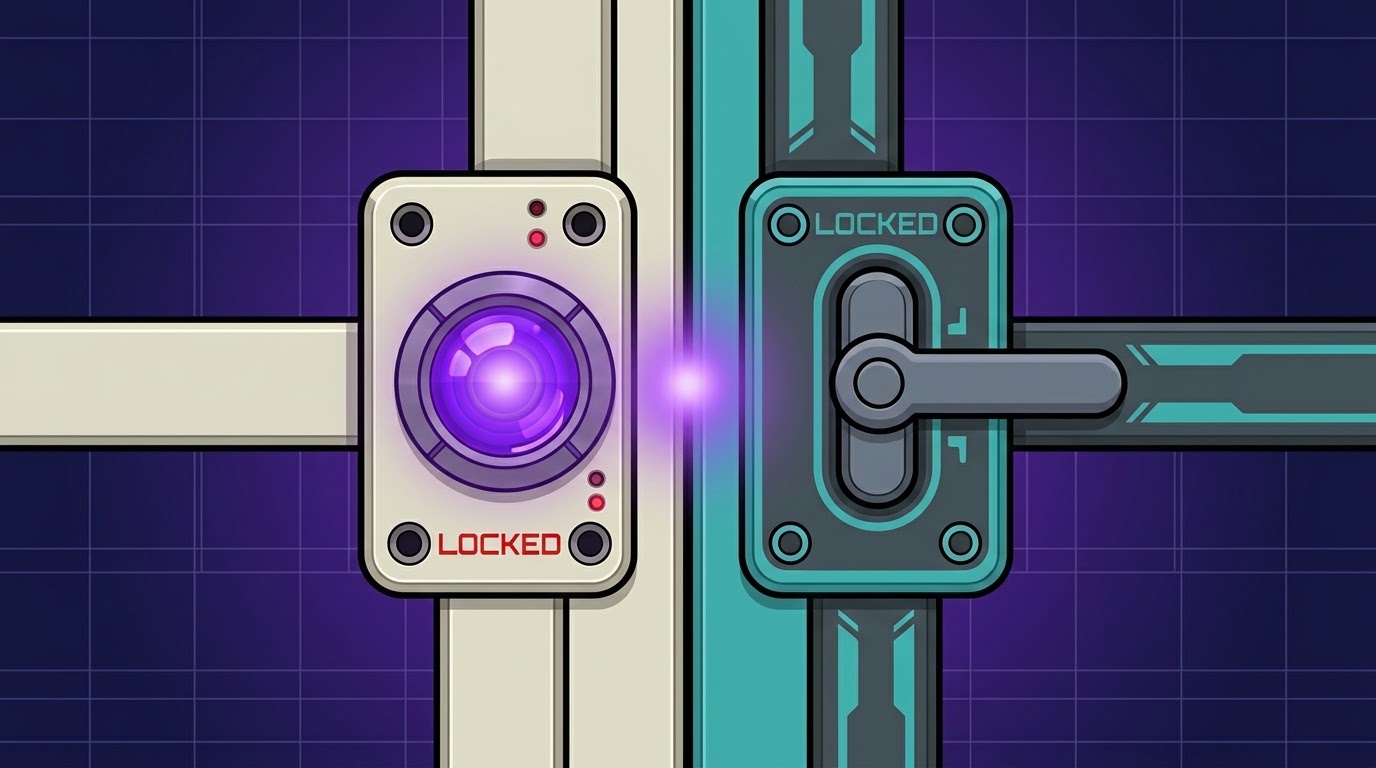
Why industrial AI must understand the entire production line, not just one PLC.
Production lines are rarely single-vendor. A stopped machine on an Allen-Bradley PLC can be waiting on a permissive that only makes sense once you look at the Siemens PLC next to it. What mixed-vendor line context means, why it is different from simply supporting multiple PLC vendors, and how AI can trace a fault across both sides of that handshake.
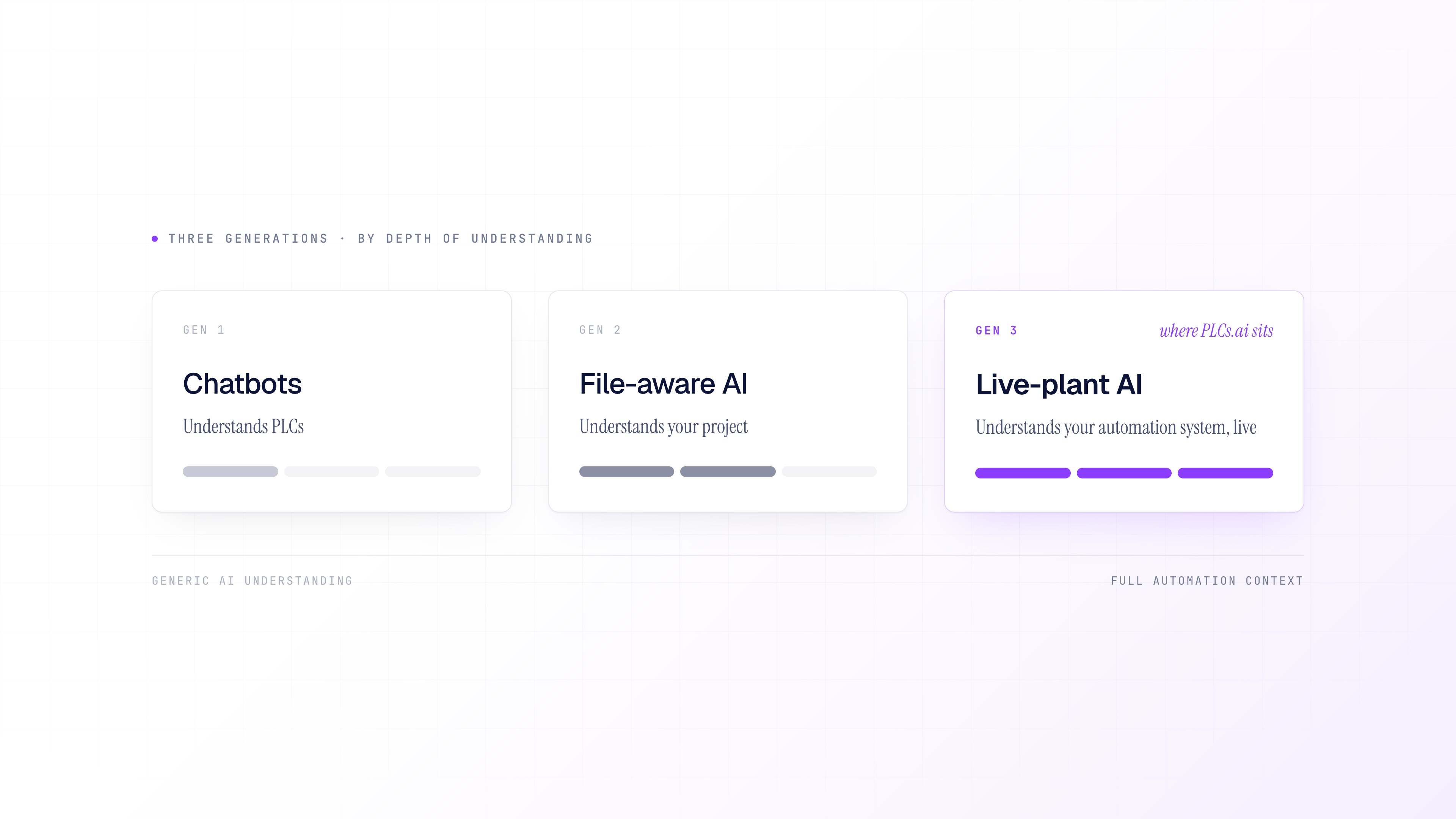
The three generations of AI for PLC work: chatbots, file-aware AI, and live-plant AI.
AI for PLC work splits into three generations: chatbots that understand PLC concepts, file-aware AI that understands your project, and live-plant AI that understands what the automation system is doing right now. Knowing which one you are looking at changes what you can ask it.