
How to document PLC code, without anyone writing documentation.
Most PLC documentation is written once, under time pressure, at the end of commissioning, and it starts going stale the day after. The fix is not more discipline. It is making documentation a byproduct of the code instead of a chore after it.
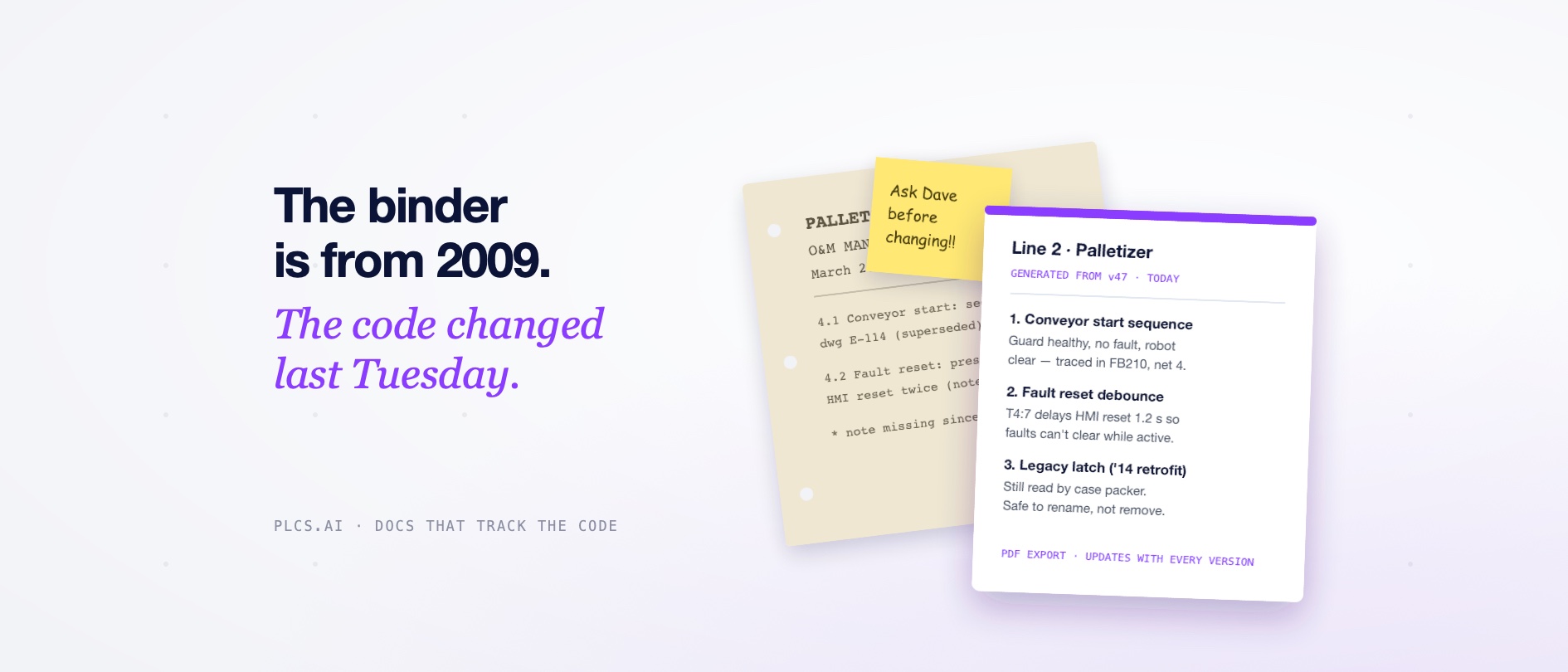
Ask any plant for the documentation on their oldest line and you will get one of three answers: a binder from commissioning that no longer matches the code, a folder of PDFs nobody trusts, or a name. Usually a name. Most PLC documentation is written once, under time pressure, at the end of a project, and it starts going stale the day after. The fix is not more discipline. It is making documentation a byproduct of the code instead of a chore after it.
Why PLC documentation never survives
- 01It is written last, when the budget and the patience are both gone.
- 02It drifts. Every fault workaround, every contractor visit, every 2 a.m. fix changes the code without changing the binder.
- 03It documents what, not why. The rung is visible in the editor; the reason it exists lives in someone's head.
- 04The person who could write it is the person who least needs it, so it never feels urgent until they leave.
What good PLC documentation actually contains
A useful document answers the questions people ask during an outage, not just an inventory of routines. That means: what each program and routine does in plain language, what the tags and UDTs mean, how the sequences and interlocks work, what each station expects from its neighbours, and what changed over time, with the reasoning attached.
How automatic documentation works
PLCs.ai reads the full project, not a fragment: every routine, tag, UDT, and cross-reference in a Studio 5000 L5X export, or a TIA Portal project via the Openness API. From that it generates plain-English documentation across whole lines and plants, and exports it as a PDF report when you need something to hand to an auditor or a new hire.
Because the platform snapshots every version of the code, the documentation does not drift. When the code changes, the documentation regenerates from what is actually running, and the version history keeps the story of how the system evolved. Engineers can add notes and capture decisions as they work, so the why survives alongside the what.
Documentation should be a byproduct of the code, not a chore after it.
What this changes for the team
- 01Onboarding: a new engineer reads the line documentation on day one instead of shadowing someone for six months.
- 02Knowledge retention: when your best engineer retires, their system knowledge is already written down.
- 03Contractor changes: review what an integrator actually changed, in plain language, before you accept it.
- 04Audits and compliance: generate a current, accurate report on demand instead of dusting off the commissioning binder.
The honest test: pick the least documented PLC in your plant, upload the project, and compare what comes back against the binder. One of them will match the code.
See documentation on a Studio 5000 project →See it work on a TIA Portal project →More from the blog
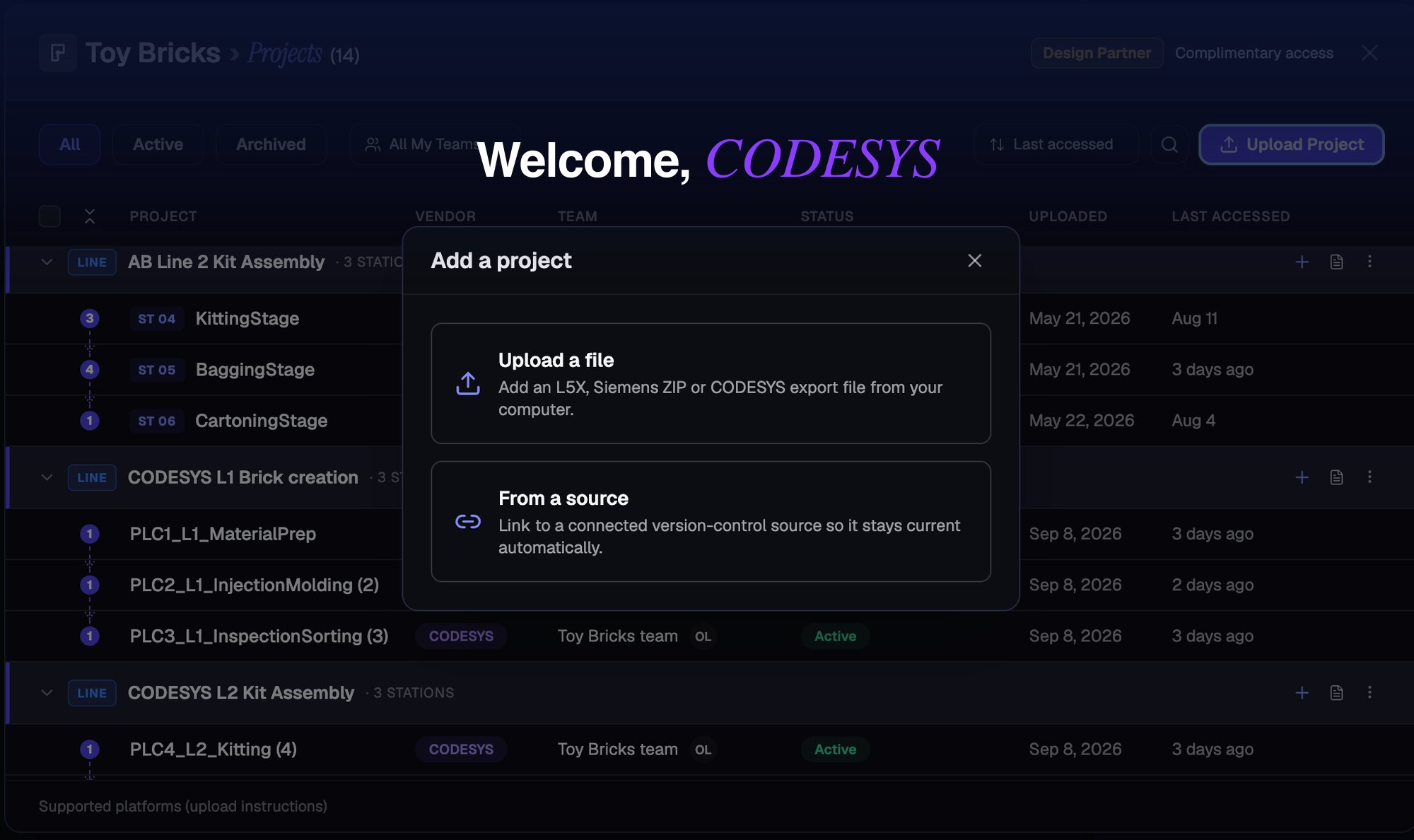
PLCs.ai now supports CODESYS V3 projects, across the entire CODESYS ecosystem.
PLCs.ai now supports CODESYS V3 projects, across first-party CODESYS environments and OEM platforms like WAGO, ABB, and Bosch Rexroth. A CODESYS export has no tag table and no hardware/IO tree, so getting there took real re-engineering, not just a new parser.
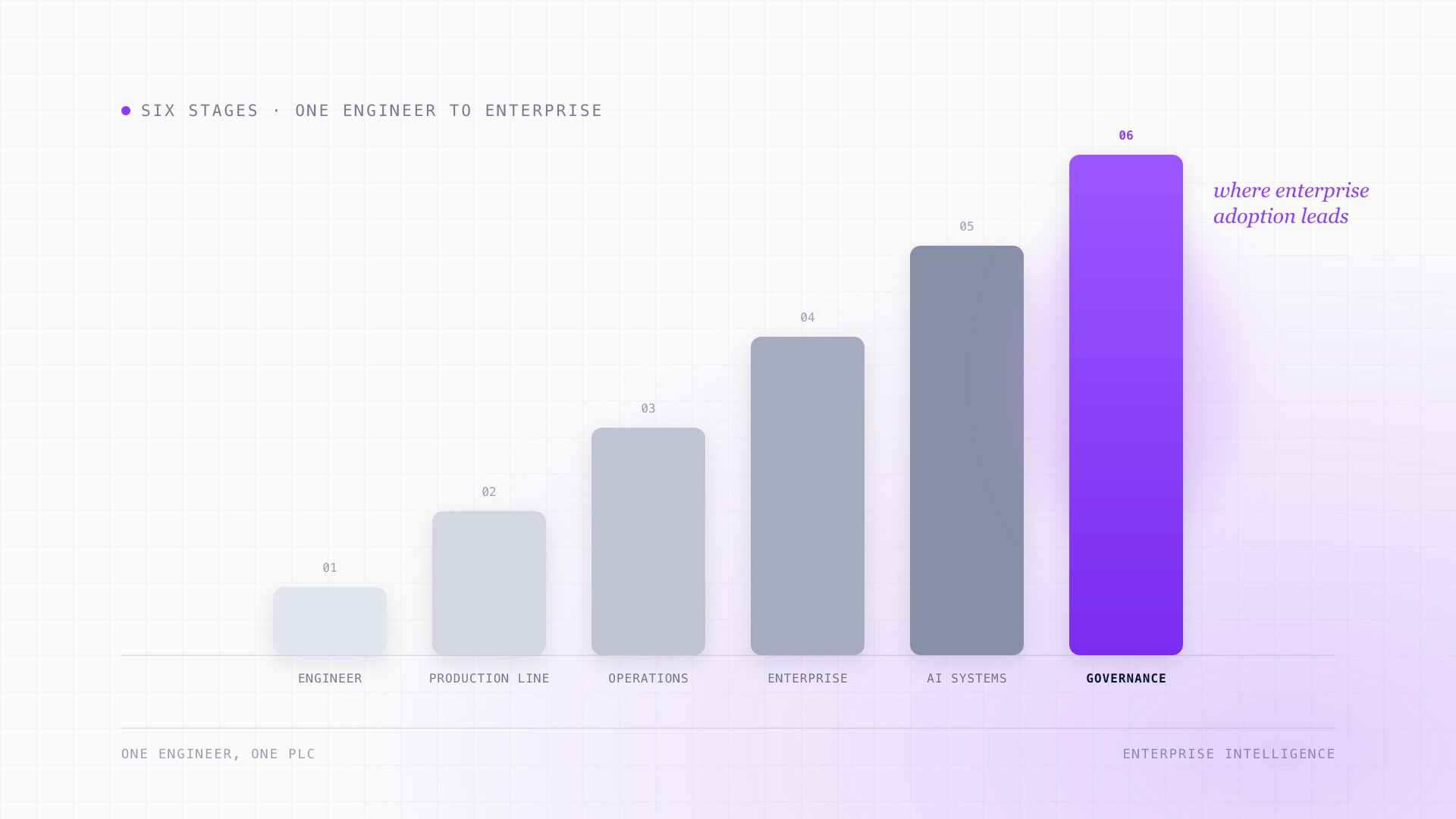
The manufacturing AI adoption journey: from individual tools to enterprise intelligence.
AI adoption in manufacturing almost never starts as a transformation. It starts with one engineer, one PLC, and one AI model. What changes at each stage after that, from helping a maintenance tech at 2 AM to governing access across an entire enterprise, and why the infrastructure needed at the end looks nothing like where most manufacturers start.
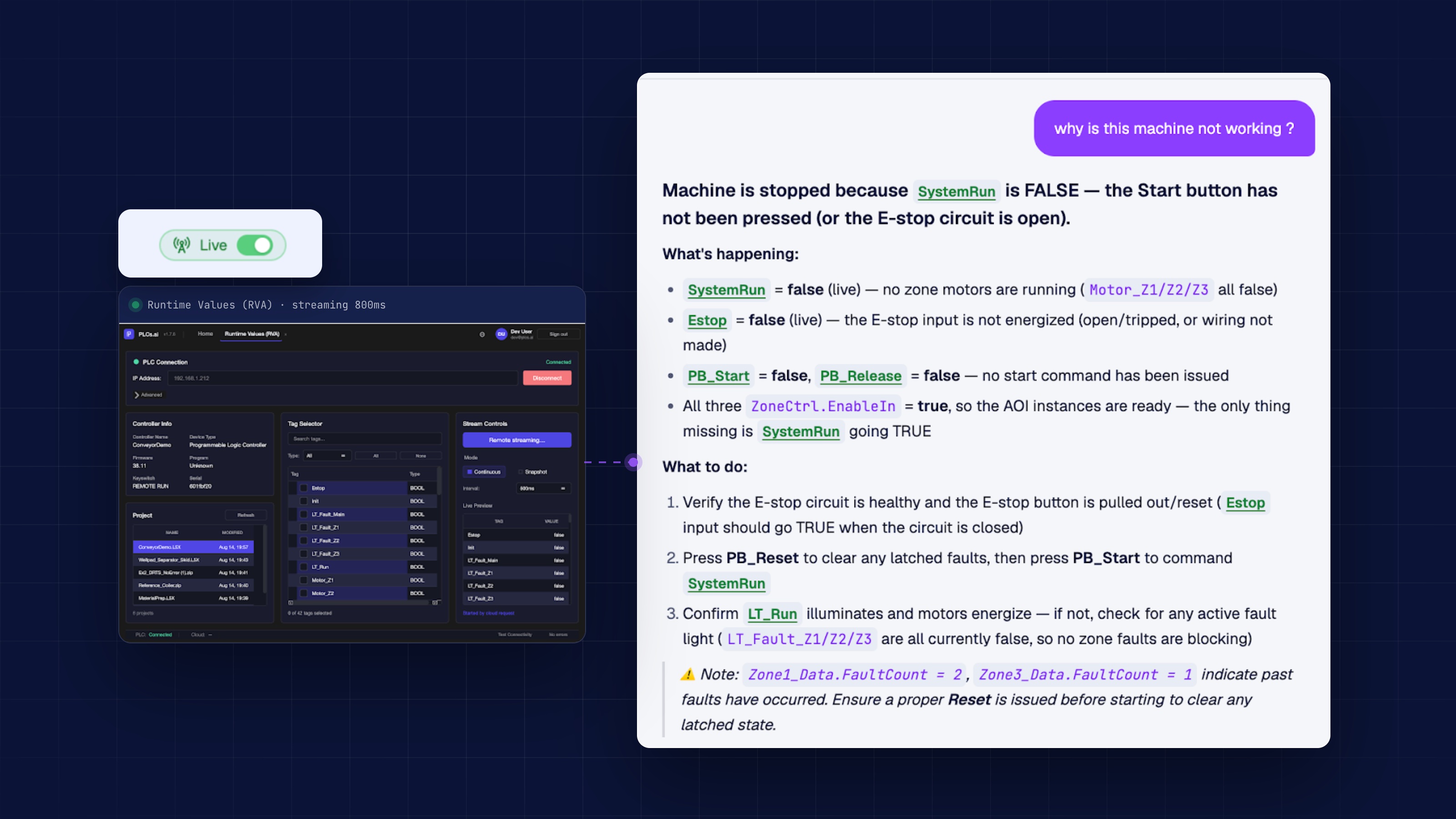
Runtime PLC data doesn’t just help troubleshooting. It multiplies it.
Reading the code tells you what a line is supposed to do. Runtime tag values tell you what it is actually doing right now. Troubleshooting needs both, and the gap between them is where most outages drag on.